Free lead tracking · Activate the wedding when ready The couple, guests, wedding party, and vendors each get a portal from the same wedding record — a magic link or a QR card. You decide what they see. No shared login. No seventeen PDFs the morning of. Now accepting beta users. Not ready for beta? Join the Launch List and get notified when public signup opens.Wedding portals for every audience
Four audiences
One wedding. Four ways in.
The couple portal starts light and free with the inquiry. Guest, VIP, and vendor portals open with wedding activation — printed cards or links from Portal Access.
Couples always have a portal — light before activation, full after. Free lead tracking is their contact info, ceremony details, and The Story of You, plus your inquiry list and studio prep. Wedding activation unlocks vows, ceremony tools, contracts, payments, and guest, VIP, and vendor portals. Each portal below goes live when you activate the wedding The digital program Everything guests see, plus… The couple's full portal Day-of timeline for vendorsFree Light couple portal (free)
Full wedding workspace When you activate (1 activation)
Guests
VIPs
Couples
Vendors
How they get in
Passwordless for the couple. QR for the room.
Event Settings decides what modules exist. Portal Access is how people actually walk in — three printable cards per wedding.
Couple — magic link
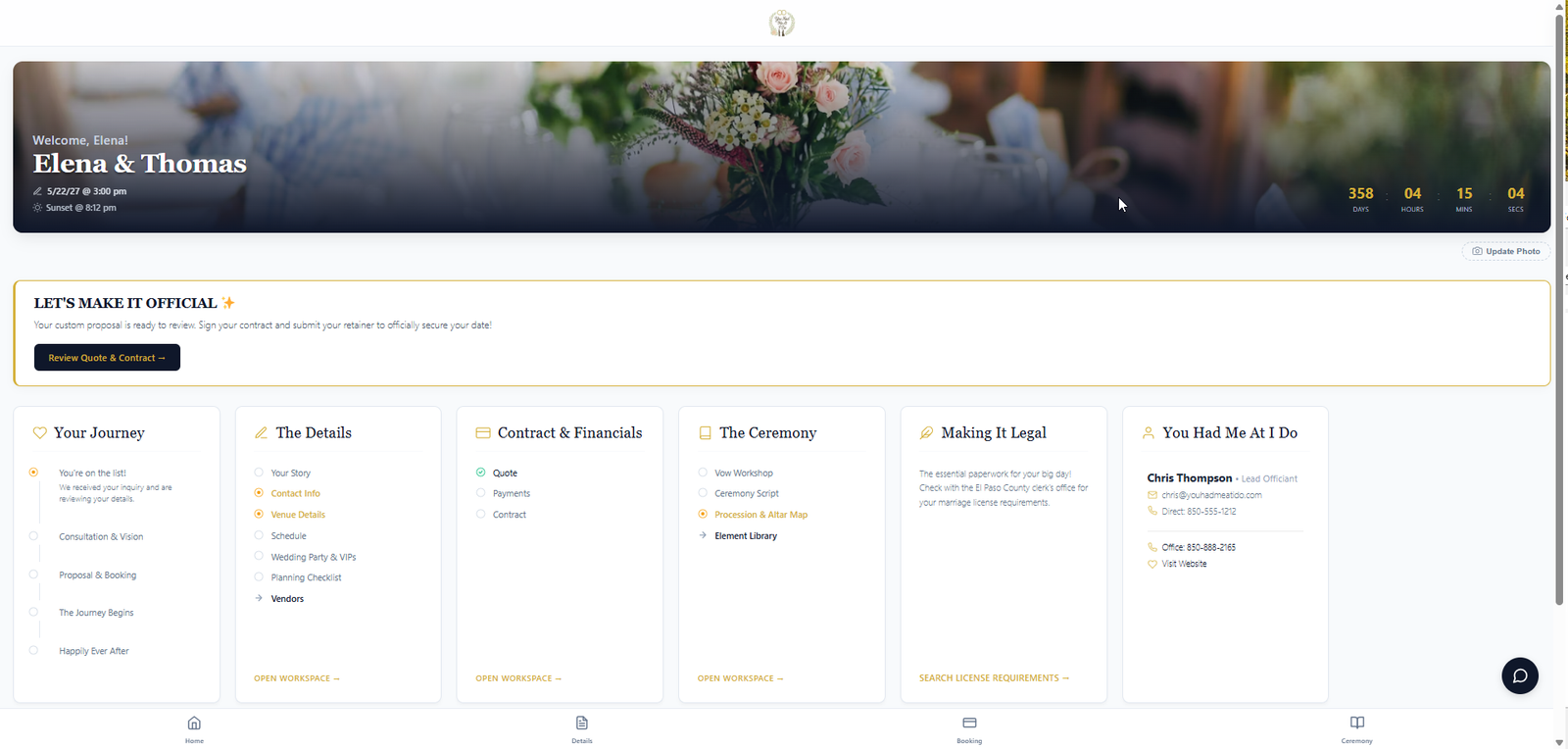
An email link from the first inquiry. Light portal while they are still a lead. Full portal after wedding activation: forms, contracts, payments, checklists, messaging.
Guests — portal QR
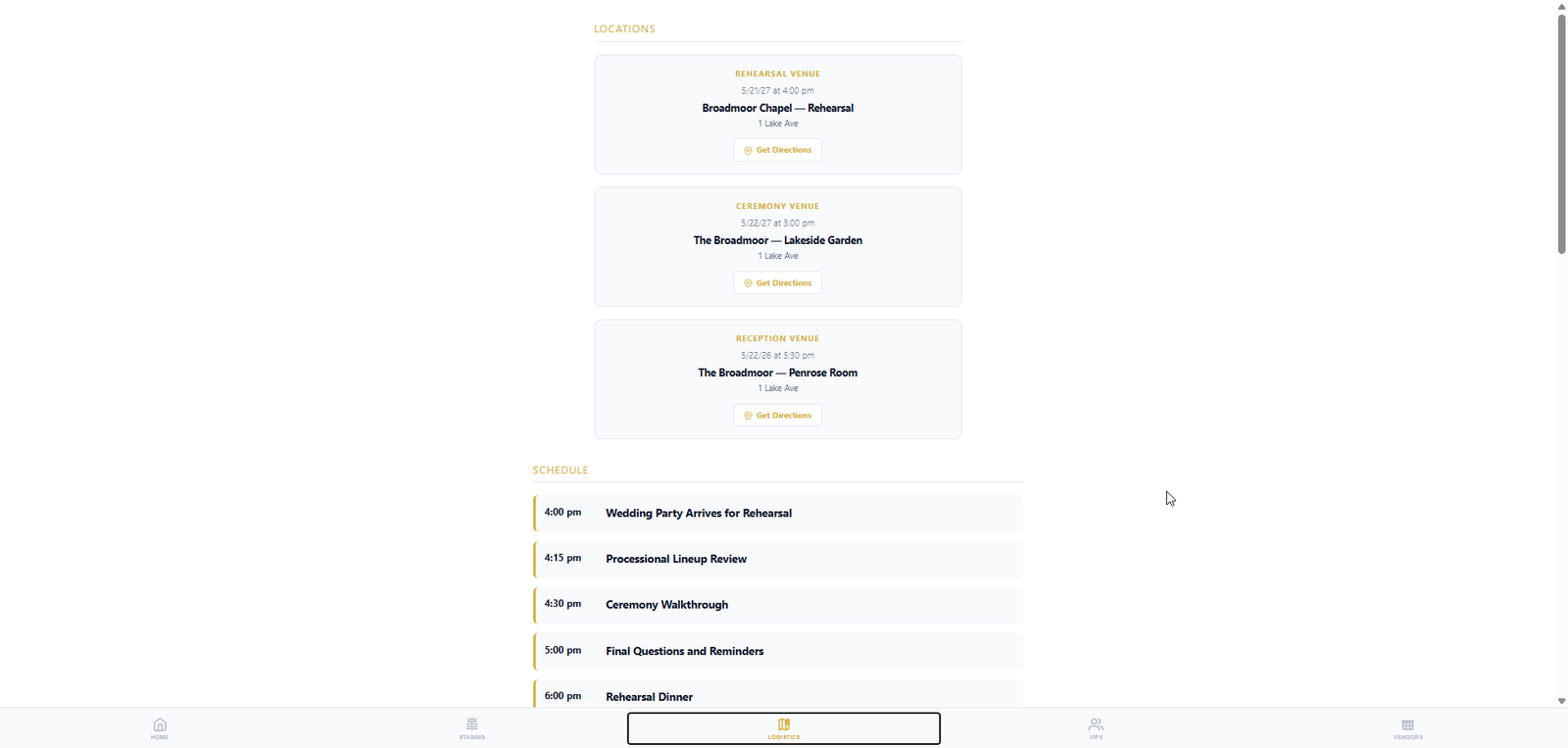
Table tents. Scan and read: public schedule, ceremony program, song requests, vendor list. Zero accounts.
VIPs — lounge link
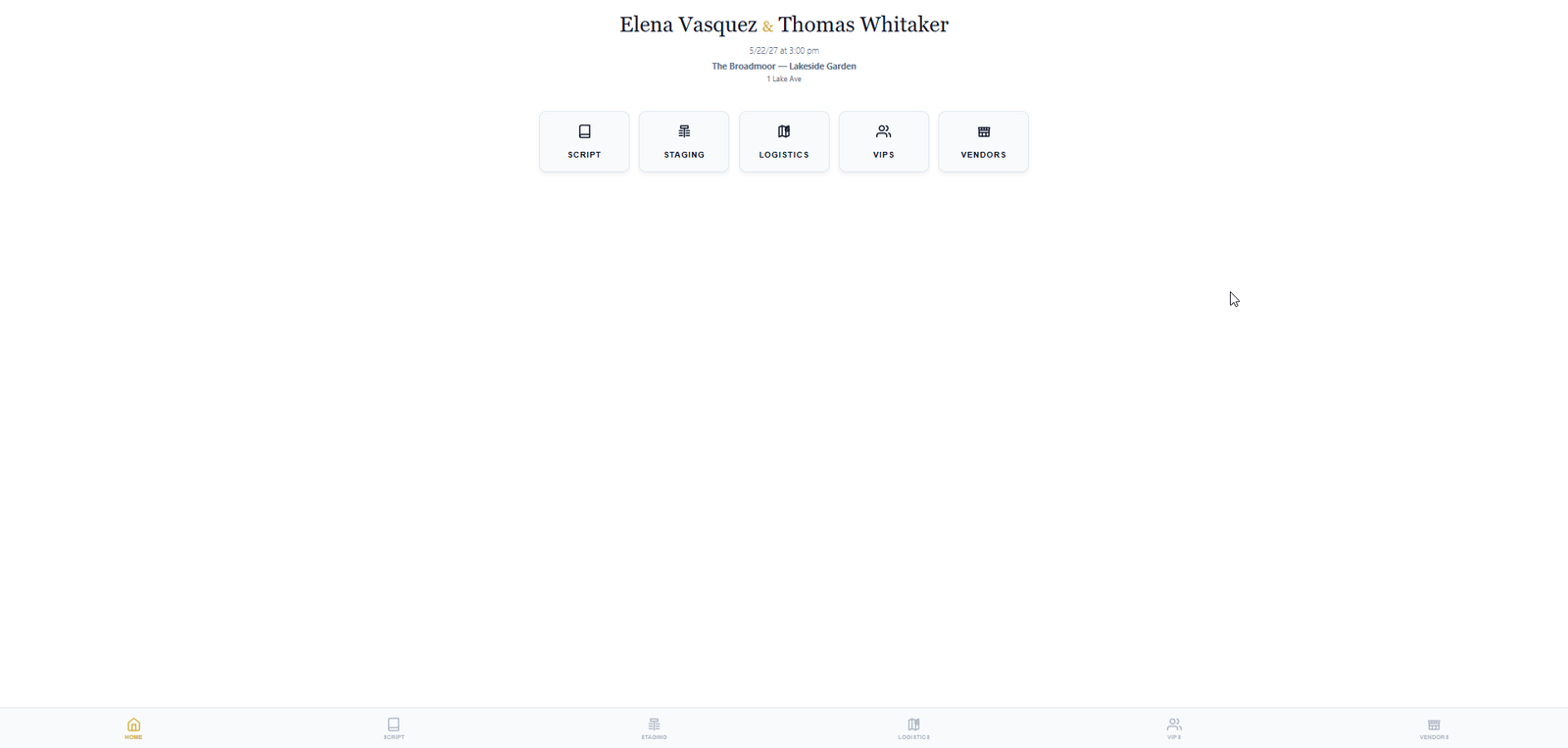
Wedding party and family get a magic link or QR. Staging, the timeline you marked for them, and who else is in the party.
Vendors — check-in QR
Scan at load-in. Short form: company, name, role. Then the live run of show, script cues, and tap-to-call contacts. No pre-created accounts.
Your call
You control every toggle
Expose the ceremony library or keep it private. Let the couple edit procession or view-only. Publish altar positions to VIPs when you are ready. Vendors never see contracts or payments.
| Capability | Guests | VIPs | Couples | Vendors | Officiant |
|---|---|---|---|---|---|
| Ceremony program & script | ✓ | ✓ | ✓ | ✓ | ✓ |
| Day-of schedule / timeline | ✓ | ✓ | ✓ | ✓ | ✓ |
| Vendor list & contacts | ✓ | ✓ | ✓ | ✓ | ✓ |
| Wedding party / cast | ✓ | ✓ | ✓ | — | ✓ |
| Procession & walking order (plan together) | — | ✓ | ✓ | — | ✓ |
| Seating chart (couple + officiant) | — | ✓ | ✓ | — | ✓ |
| Altar positions (couple + officiant) | — | ✓ | ✓ | — | ✓ |
| Vows, questionnaires & checklists | — | — | ✓ | — | — |
| Quotes, contracts & payments | — | — | ✓ | — | — |
| In-app messaging | — | — | ✓ | — | ✓ |
| Light / dark mode & text sizing | — | — | — | — | ✓ |
| Offline backup download | — | — | — | — | ✓ |
| Shareable link or QR code (no password) | ✓ | ✓ | ✓ | ✓ | — |
✓ Included — Not in this portal
Guest, VIP, and vendor portals require wedding activation. Free lead tracking still includes a light couple portal — contact info, ceremony & rehearsal details, and The Story of You — plus your inquiry list and manual statuses in the studio.
Same wedding record
Portals only work because the plan lives here.
Event management
Venues, one run of show, VIPs, and vendors — the data every portal reads.
Bookings
The wedding record starts with the inquiry. The light couple portal is free from day one.
Day-of Mode
Staff phone view of the same plan the couple, guests, and vendors already see.
Questions wedding pros ask
Portals, without another app.
Is the couple portal free?
A light couple portal is free from the first inquiry — contact details, venues, and The Story of You, plus a magic link. Questionnaires, contracts, payments, checklists, messaging, and guest, VIP, and vendor portals open when you activate the wedding on that wedding.
How do people get in? Do they need an account?
No shared login. The couple and VIPs use a passwordless magic link. Guests scan a QR or use a short code. Vendors scan a QR at load-in, fill a short check-in, and keep a token for that wedding. Staff print three cards from Portal Access — guest, VIP, and vendor.
Can I control what each portal shows?
Yes. Event Settings decides which modules exist. The schedule has visibility flags so guests, VIPs, and vendors each see their slice of the same run of show. Vendors never see contracts or payments.
Is this a separate app for each audience?
No. Every portal reads the same wedding you already built in Bookings and Event management. You do not email seventeen PDFs the morning of the wedding.
Print three cards. Stop emailing PDFs.
Free light couple portal. Guest, VIP, and vendor portals open with wedding activation.