
Free lead tracking · Activate the wedding when ready Log discovery calls, rehearsal reminders, family dynamics, and vendor callbacks in a staff-only feed — separate from couple Messages and flexible checklists. Now accepting beta users. Not ready for beta? Join the Launch List and get notified when public signup opens.Internal Notes
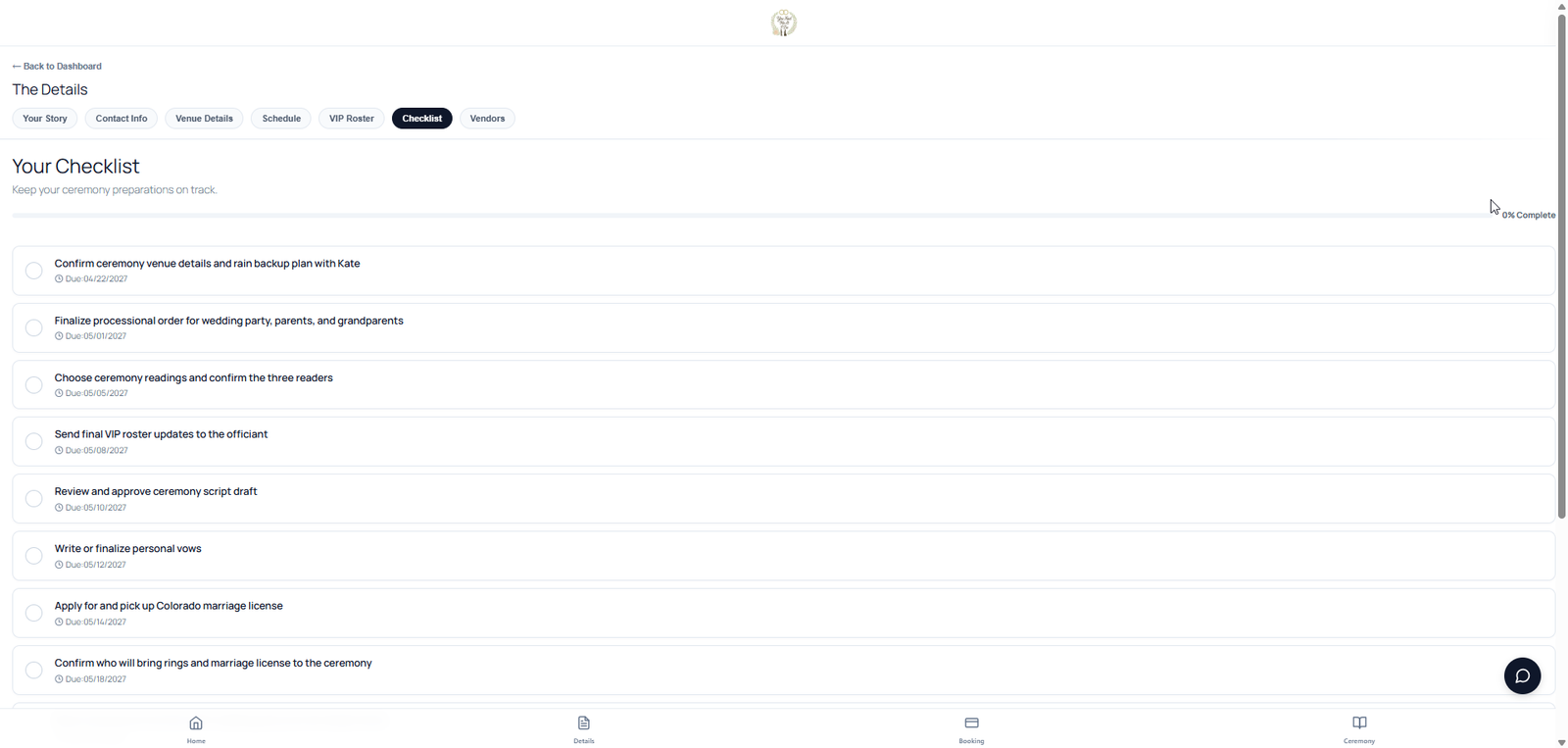
Full wedding workspace · Officiant only Phone calls. Meeting notes. Flexible checklists. Internal Notes are your private timeline per wedding — discovery call takeaways, rehearsal reminders, vendor callbacks, and family dynamics only your team sees. Dictate or type after a phone call so the detail is not trapped in email. Checklists are separate: mark tasks private (officiant or company only) or public for the couple. They can add their own items too — pick up the dress, get fitted for the tux — while your backstage prep stays private. Messages stay in the inbox. Internal notes stay in your notebook. Checklist visibility is per task — you choose what the couple sees. Same wedding workspace as procession, contracts, and ceremony prep — clear boundaries.Internal Notes — your backstage log
Backstage prep
Your notebook for the wedding — not the couple's inbox
After the inquiry call, you need a place to capture what the couple said, what Mom expects, and what still needs a callback. Internal Notes is that chronological feed. Messages stay couple-facing. Checklists handle tasks with per-item visibility.
Phone & meeting logs
Timestamped entries after discovery calls, planning meetings, and rehearsal huddles — so you are not digging through email threads six weeks later.
Staff-only by design
The couple never sees Internal Notes. Partner-private Messages and staff-only message rooms stay separate from your backstage log.
Pin what matters
License deadlines, pronunciation reminders, family dynamics, and vendor callbacks stay visible at the top of the wedding record workspace.
Checklists are different
Mark checklist tasks private (officiant or company only) or public for the couple. They can add their own to-dos — pick up the dress, get fitted for the tux — while your prep stays private.
Bookings + ceremony prep
Same wedding record from inquiry to altar
Internal Notes lives on the wedding record next to contracts, VIPs, procession, and Day-of Mode — so your team shares one backstage record instead of scattered sticky notes.
Questions officiants ask
Internal Notes, explained.
Will the couple see my Internal Notes?
No. Internal Notes are staff-only. Messages are the couple-facing thread. Field-level notes on contacts and venues stay in the studio record, separate from the Internal Notes feed.
How is Internal Notes different from Messages?
Messages are the couple-facing conversation — with email notifications and partner-private rooms when needed. Internal Notes are your backstage chronological log: phone call takeaways, meeting notes, and reminders your team shares. Unread Messages land on Action Required; Internal Notes never go to the couple.
What about checklists?
Checklists are task lists with per-item visibility. Mark a task private (officiant or company only) or public for the couple. Couples can add their own to-dos. Internal Notes are a free-form feed — better for narrative context after a call than a checkbox.
Can I log notes after a phone call?
Yes. Add a timestamped entry after discovery calls, planning meetings, or rehearsal huddles. Pin the reminders you cannot afford to miss — license deadlines, pronunciation cues, family dynamics, vendor callbacks.
Do Internal Notes need wedding activation?
Internal Notes open on the wedding when the wedding is activated — the same activation that unlocks contracts, the full couple portal, procession planning, and day-of tools.
Now accepting beta users to help shape Internal Notes, Bookings, and day-of workflow before public launch.Apply for the Beta