Free lead tracking · Activate Wedding Suite per wedding

Day-of Mode

A simplified wedding-day view for the altar: ceremony text, schedule, vendors, VIPs, procession, seating, light/dark mode, text sizing, and a pre-event local download for bad Wi-Fi venues.

2 Wedding Suite activations included · No credit card required

Wedding Suite

Day-of mode — built for the altar

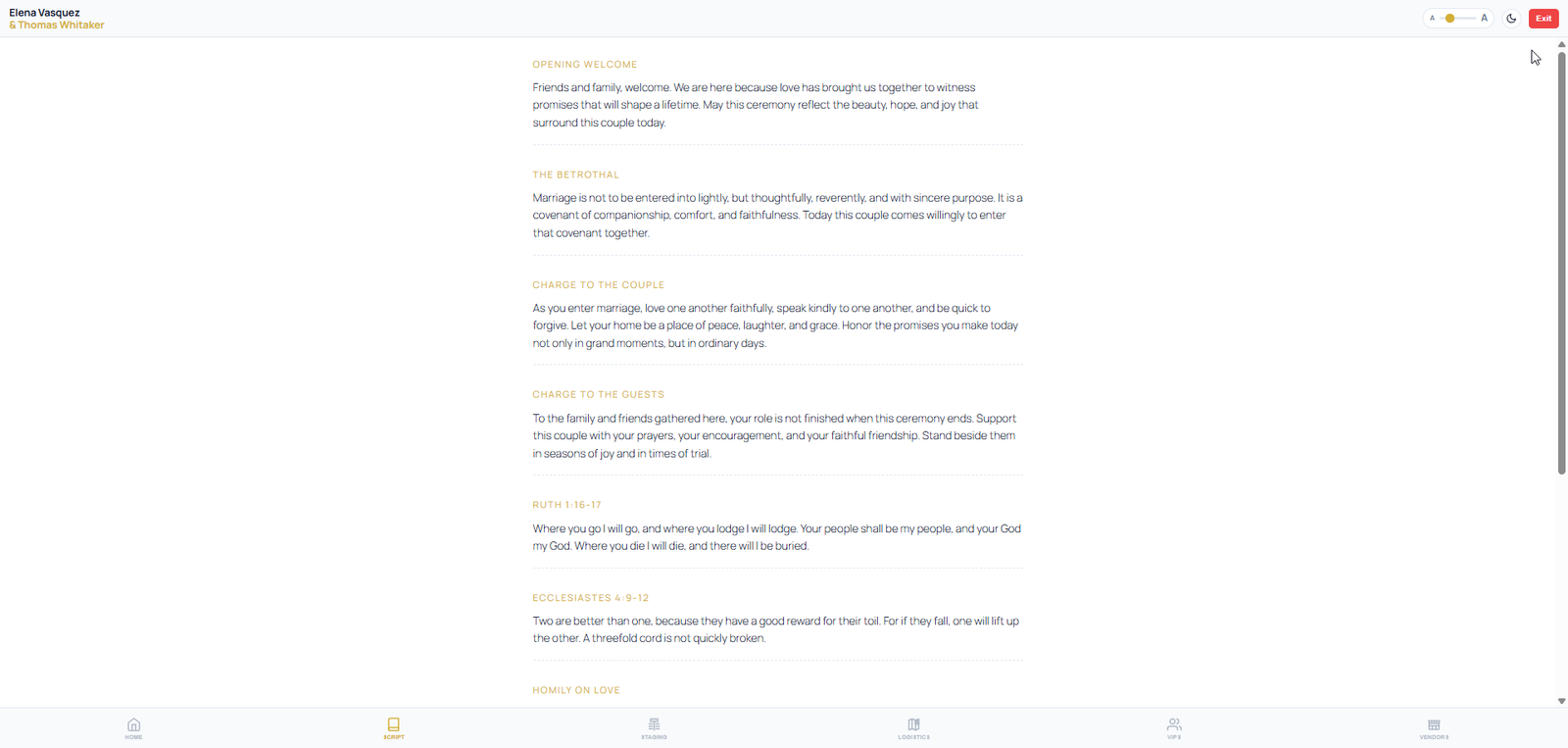
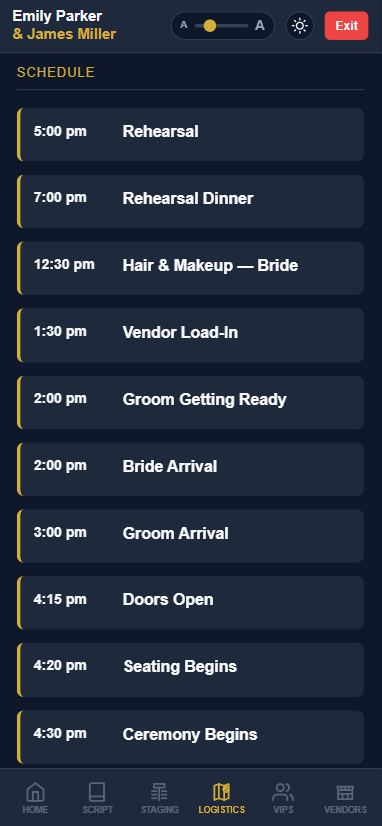
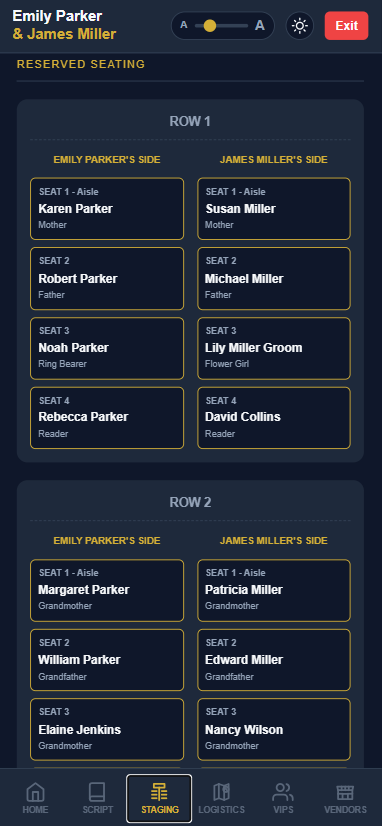
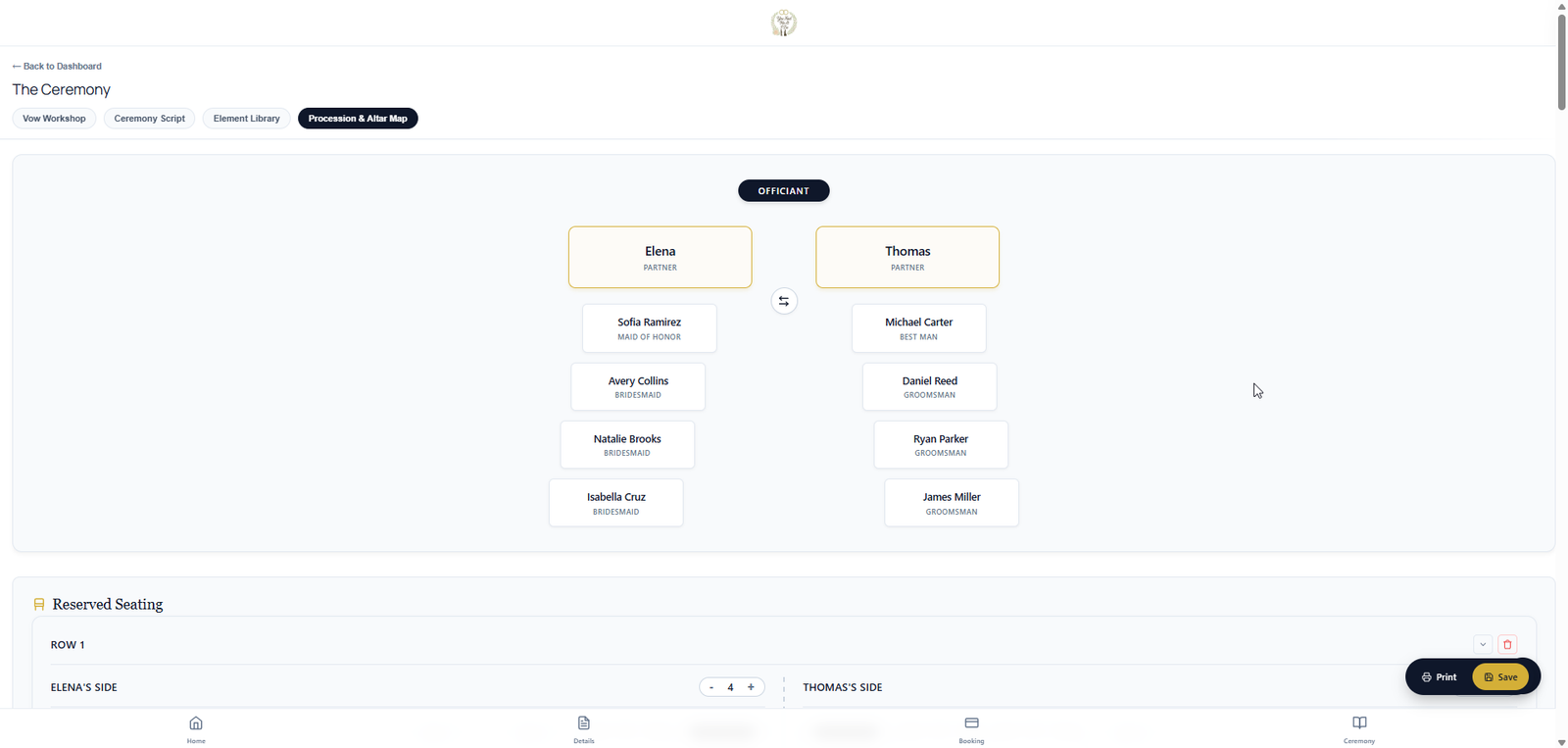
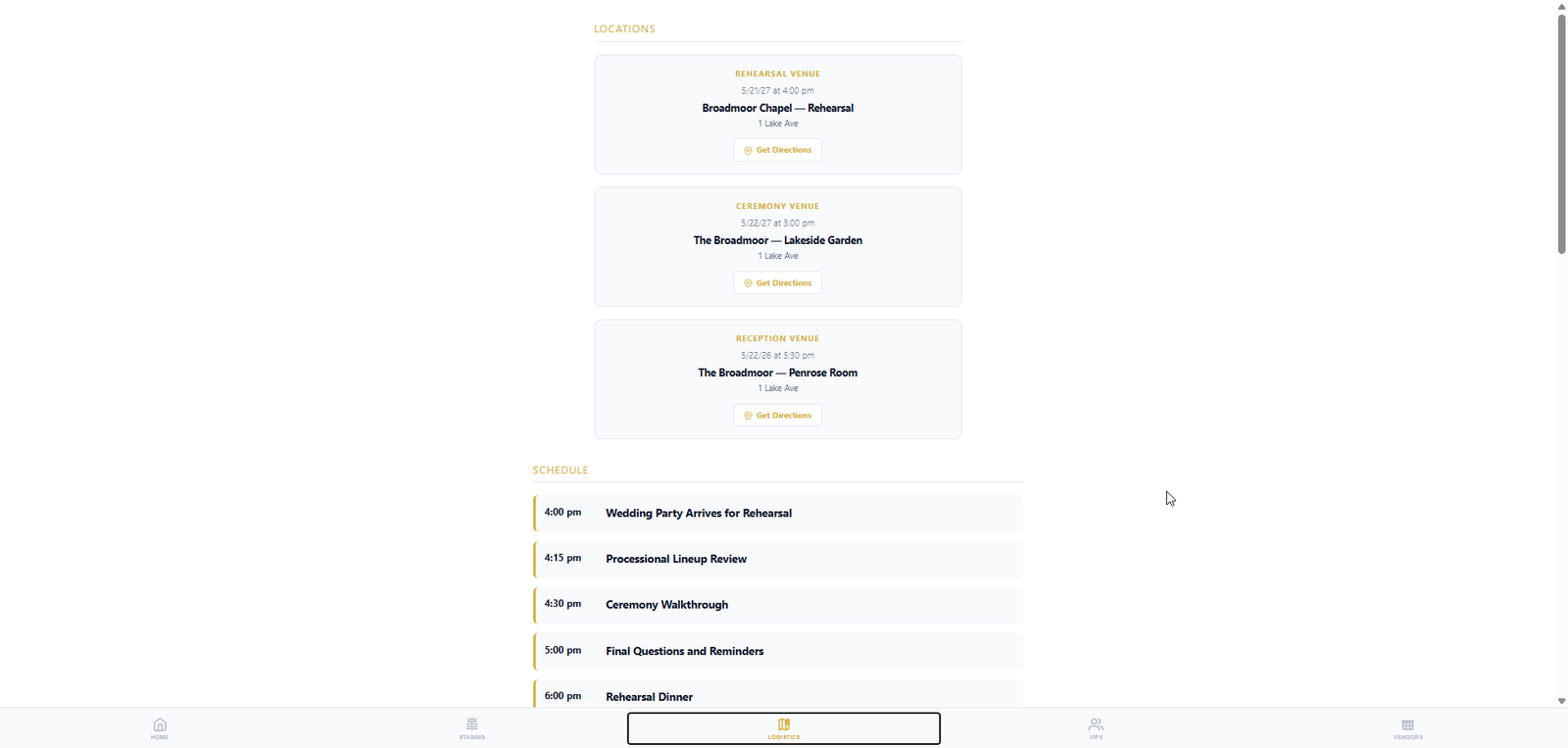
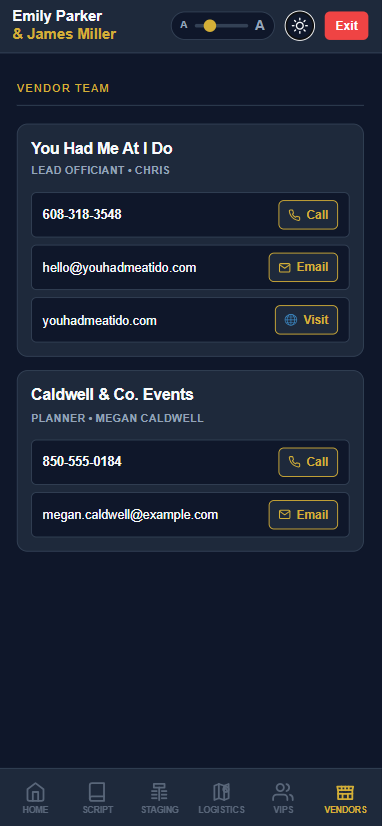
Everything you planned with the couple — ceremony script, wedding party, vendors, schedule, plus the procession, seating chart, and altar positions you built together — on your tablet or phone. Readable in any light, even with no cell signal.

  • Tablet- & phone-friendly layout built for the altar
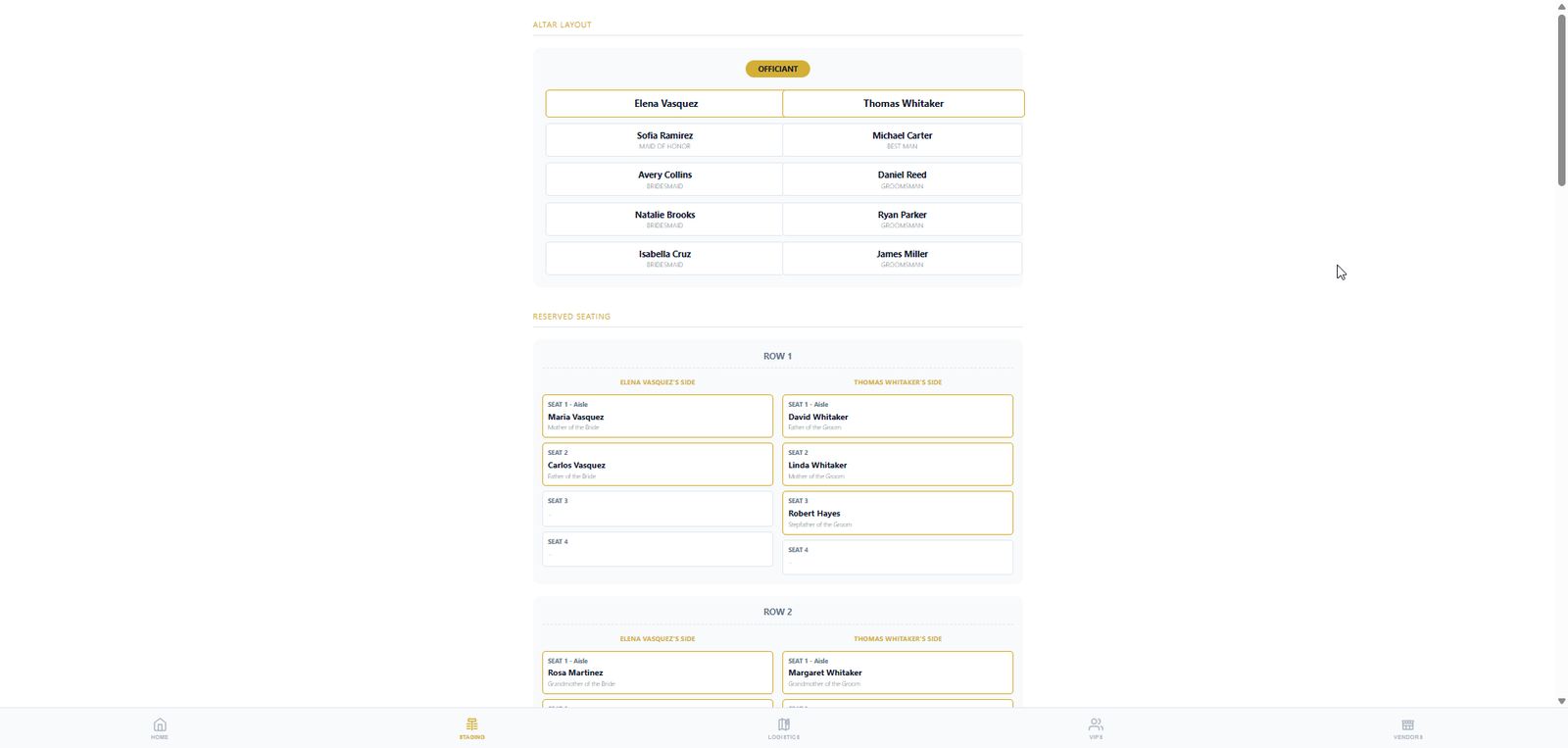
  • Ceremony script plus the procession, seating & altar plan you built with the couple — one tablet view
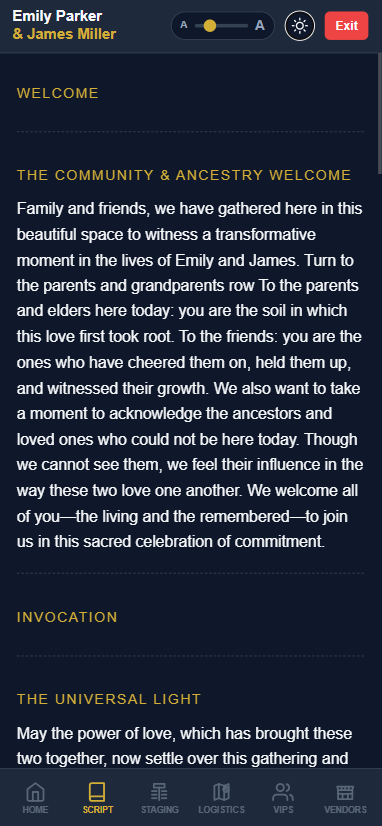
  • Light and dark mode — readable in sun or dim chapel light
  • Increase text size with one tap
  • Backup mode: download the full day-of package to your device before you leave Wi‑Fi
  • Works at remote venues with no cell service once backed up
Compare all portals
Day-of mode on tablet — dark mode with ceremony script at the altar

Wedding-day reliability

Built for the moment the laptop is gone

Day-of Mode is ceremony software for the altar — script, people, layout, and schedule in a readable view when timing, light, nerves, and venue signal all matter.

Readable script

Ceremony text is optimized for phone or tablet with light/dark mode and a text size control.

Essential people

Vendor and VIP lists stay close at hand so the officiant can find names, roles, and contacts quickly.

Execution layout

Procession, reserved seating, and altar positions remain available beside the ceremony script.

Offline backup

Download the day-of package before the event so a remote venue does not derail the ceremony.

Wedding Suite · Officiant only

Internal notes — your backstage log

Officiant-only notes feed. Checklists can be private or public for the couple — they can add their own to-dos too.

  • Internal notes feed — timestamped entries only your team sees
  • Checklist tasks: private (officiant or company) or public for the couple
  • Couples can add their own to-dos — pick up the dress, get fitted for the tux, and more
  • Templates for ceremony checklists — load tasks, then set visibility per item
  • Separate from Messages — client threads stay client-facing
  • Lives in your wedding workspace next to VIPs, procession, and script
Wedding checklist — private officiant tasks, public couple tasks, and items the couple added
Private, public & couple-added tasks

Bring the whole ceremony to the altar

Start free, then activate Wedding Suite when a wedding needs day-of mode and offline backup.

Scroll to Top